Search Alaska business names using the Division of Corporations database to perform a name availability check. After a search is entered, any matching terms will appear on the results page. If “No results” appears, the name is most likely available for use (subject to State approval).
Business Entity Search
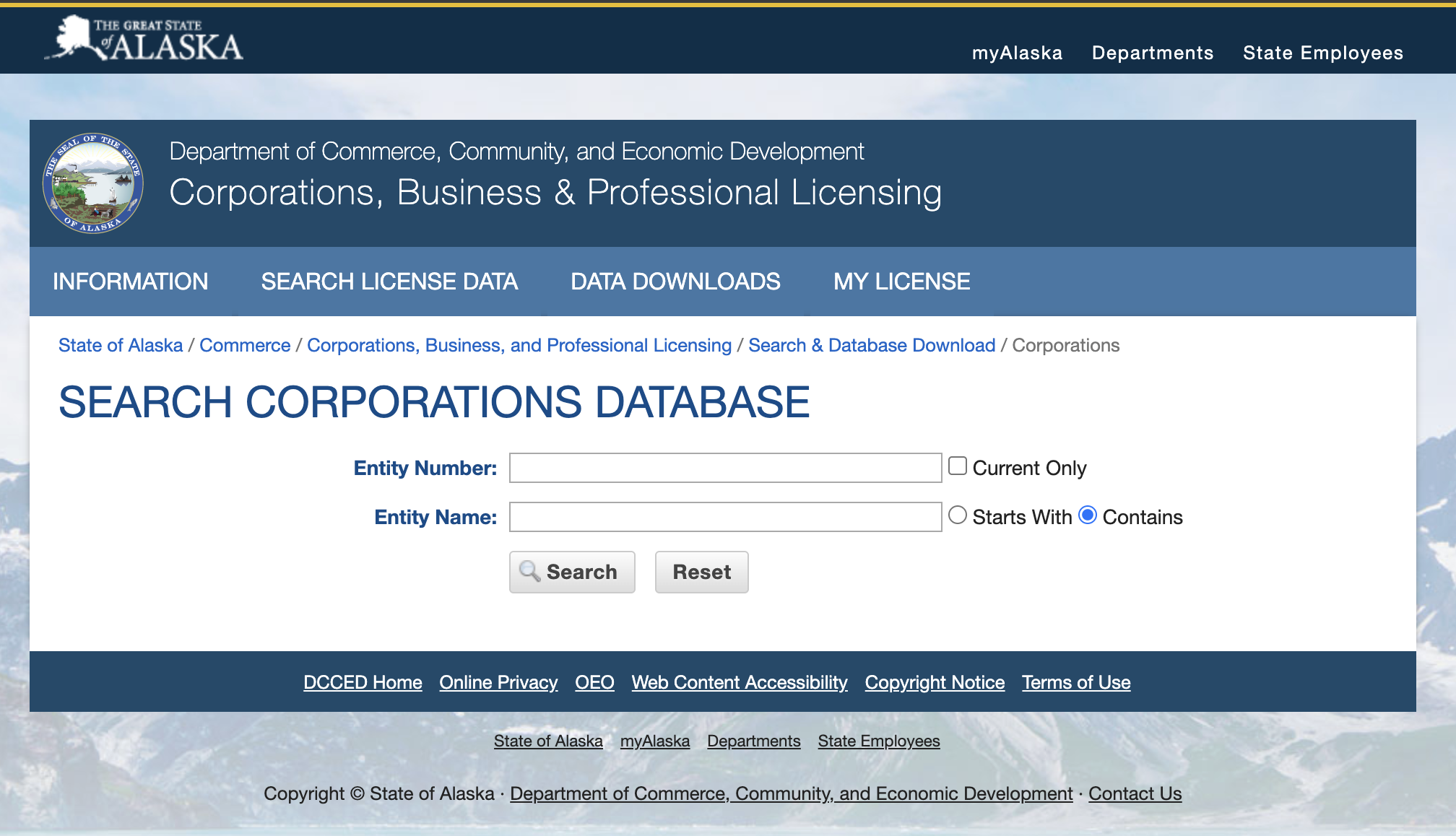
1. Search the Alaska Corporations Database
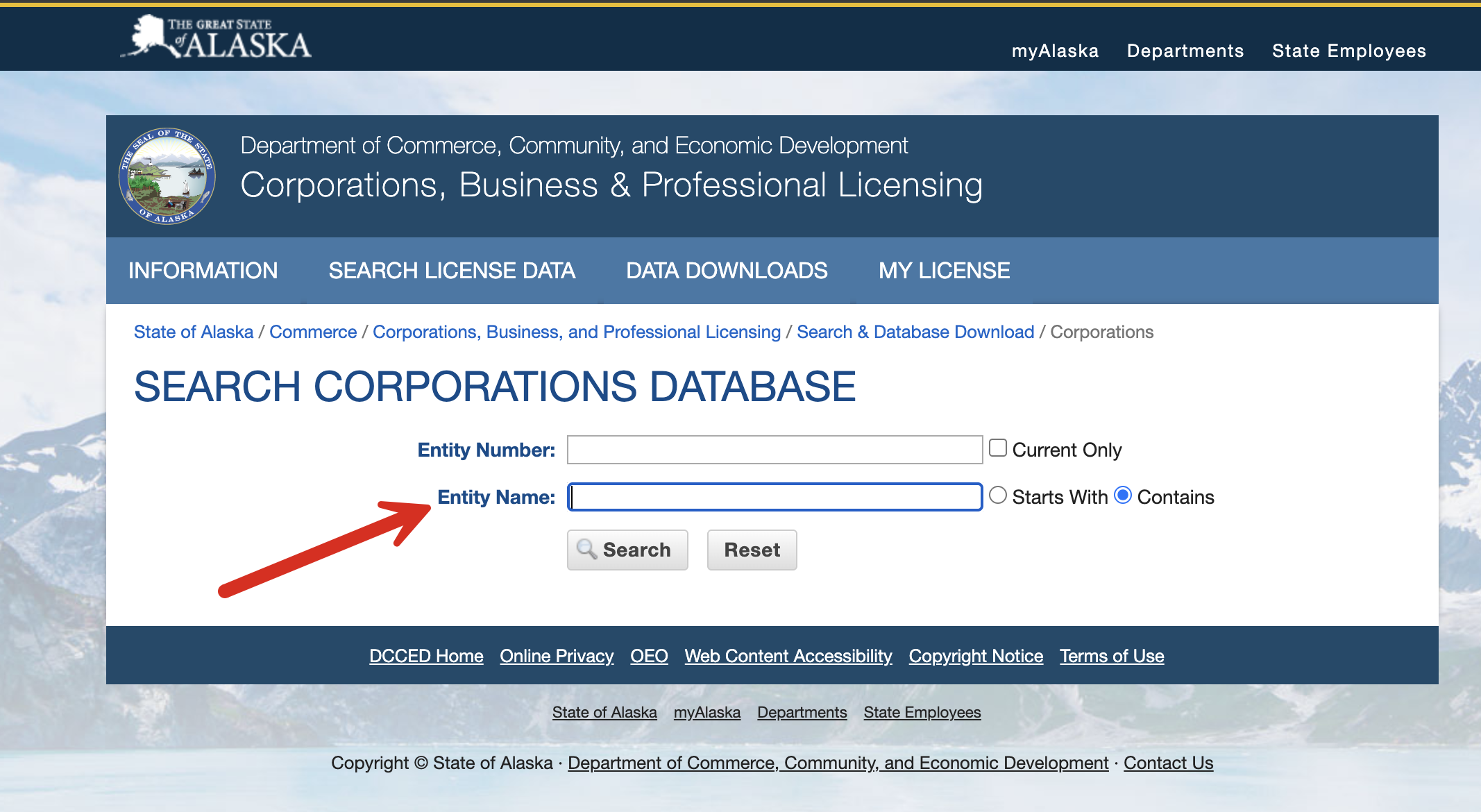
2. Search by Entity Name
Use the 2nd line to search for an entity name and determine whether it is available for use. For best practices, enter the broadest version of the name intended for use.
3. View Matching Business Names (2 options)
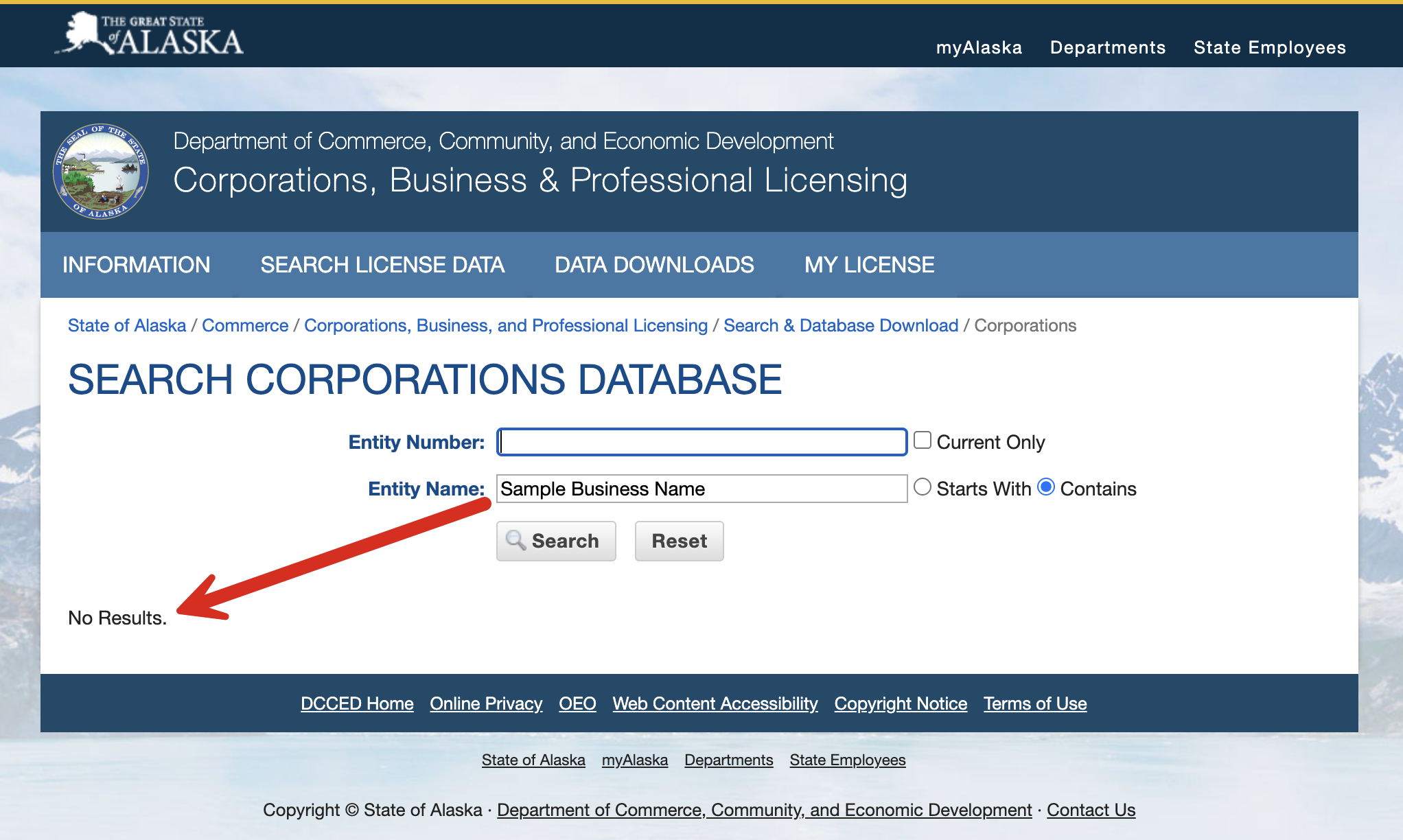
1. No Results. If there are no matching entity names in the database, the text “No Results” (see image) appears below the search bar. This most likely means that the name entered is available if desired, pending final approval by the State of Alaska.
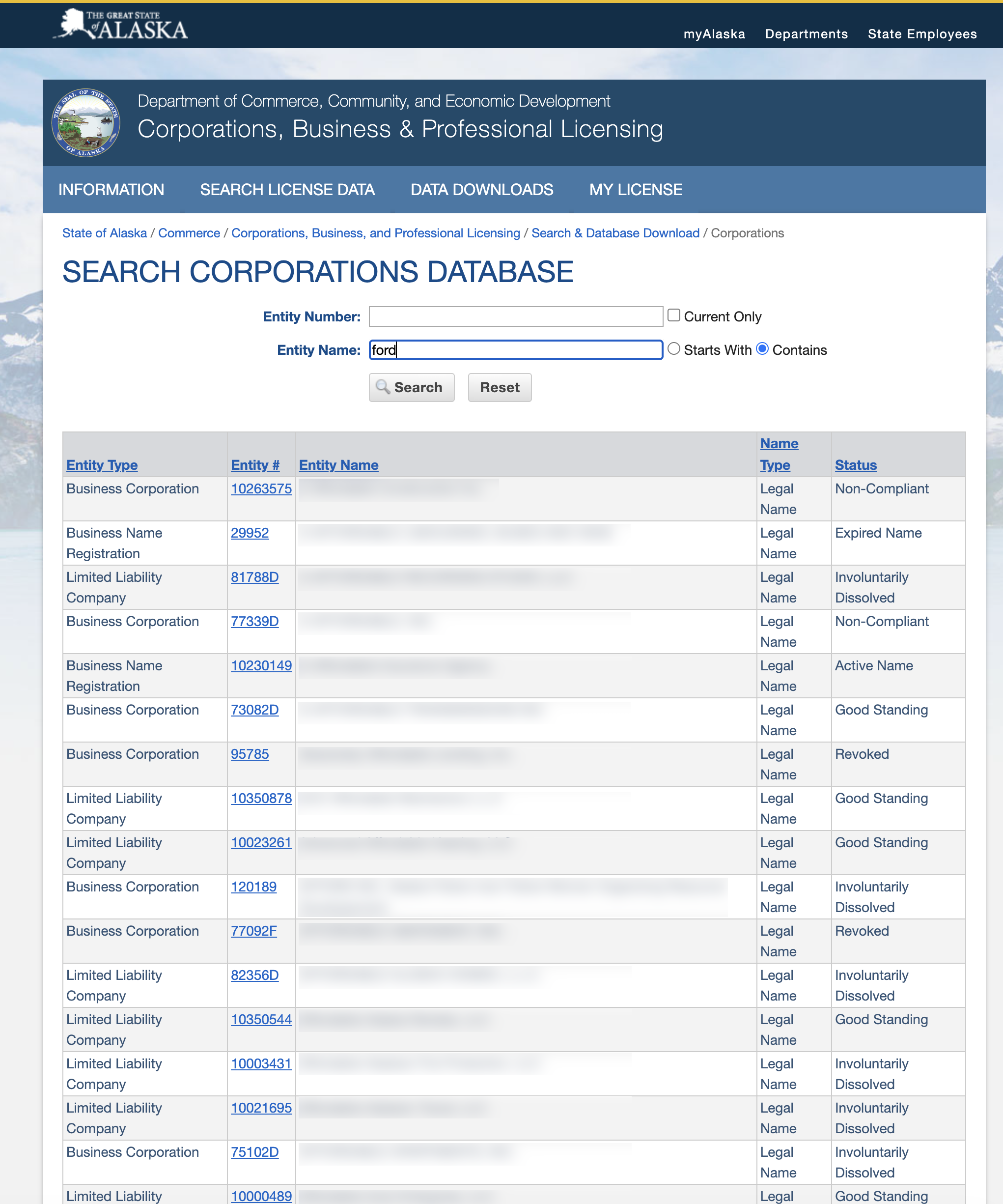
2. View Similar Results. If the name is not unique, any matching or related names that contain similar wording will show. This does not necessarily mean the name is taken, but it is up to the incorporator to determine whether the selected name matches any of the current names listed in the database.
In addition to similar names, the following information is available for viewing on the results:
- Entity Type
- Entity # (click to view specific entity details)
- Entity Name
- Name Type
- Status
4. View Entity Details
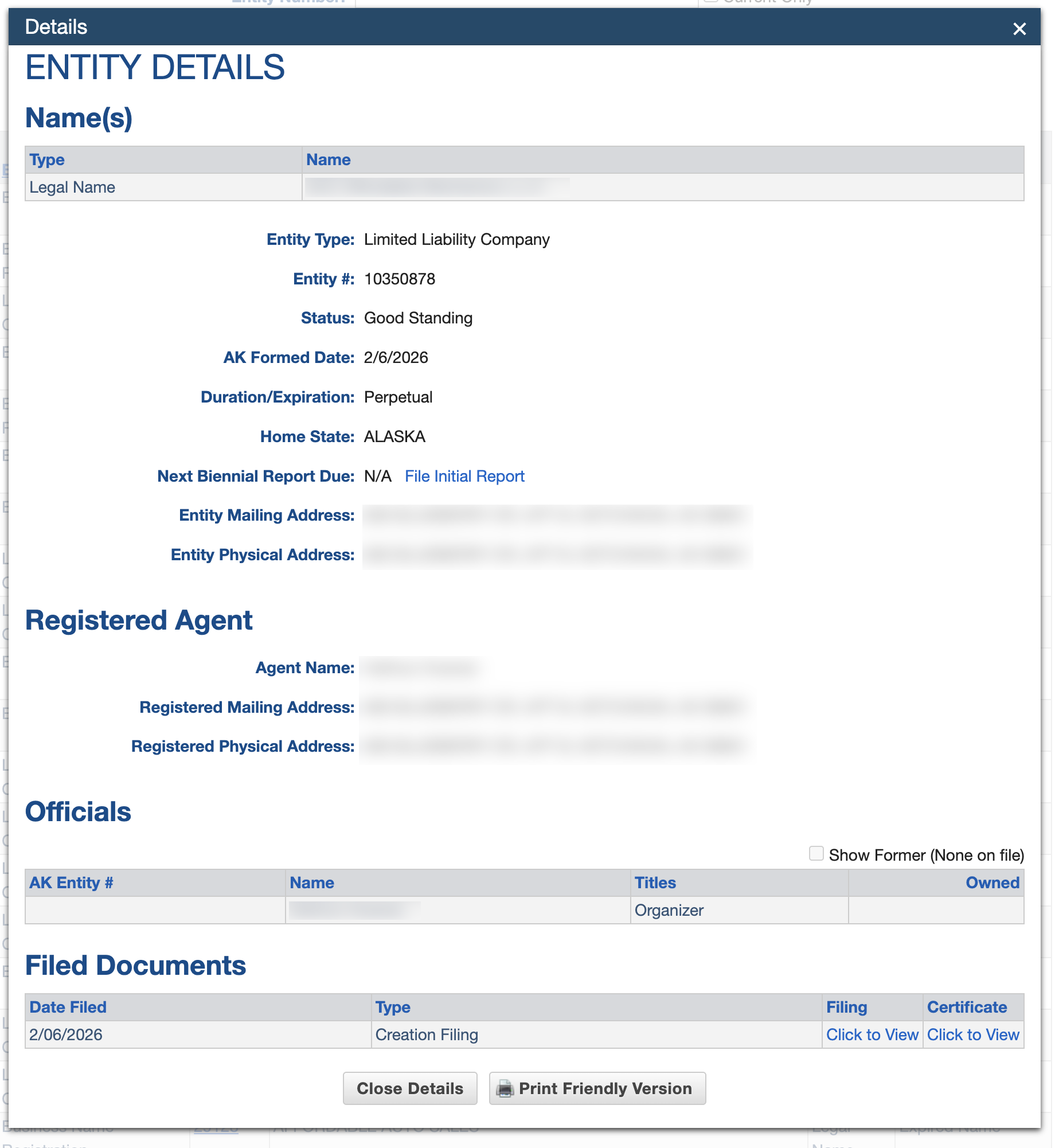
After clicking the Entity #, the full details of the entity are available for viewing, including:
- Entity Type
- Entity Name
- Entity #
- Current Status
- Formation Date
- Duration/Expiration
- Home State
- Next Biennial Report Due
- Entity Mailing Address
- Entity Physical Address
- Registered Agent
- Name
- Mailing Address
- Physical Address
- Offcials
- Name
- Title
- Ownership
- Filed Documents – The filings and Certificates can be downloaded for free in PDF format (see image).