Search South Carolina business entities online through the Secretary of State’s name search platform. The database contains all registered entity names, which can help determine whether a name is available. If a name is free, a Name Reservation Application can be submitted if the formation documents aren’t yet ready to be filed.
Business Entity Search
1. Go to the SC SOS Business Name Search
2. Search Business Names
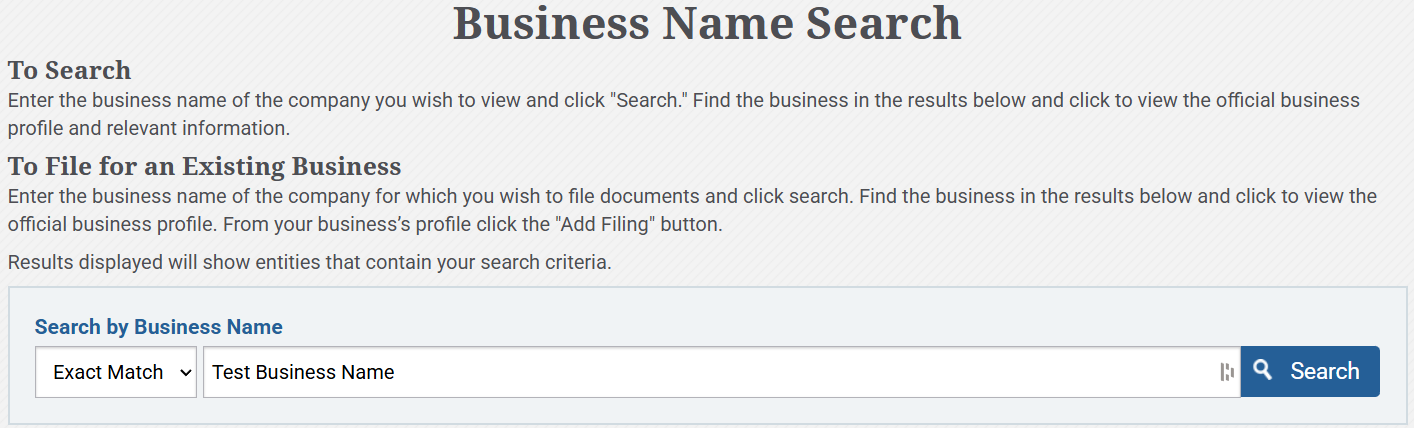
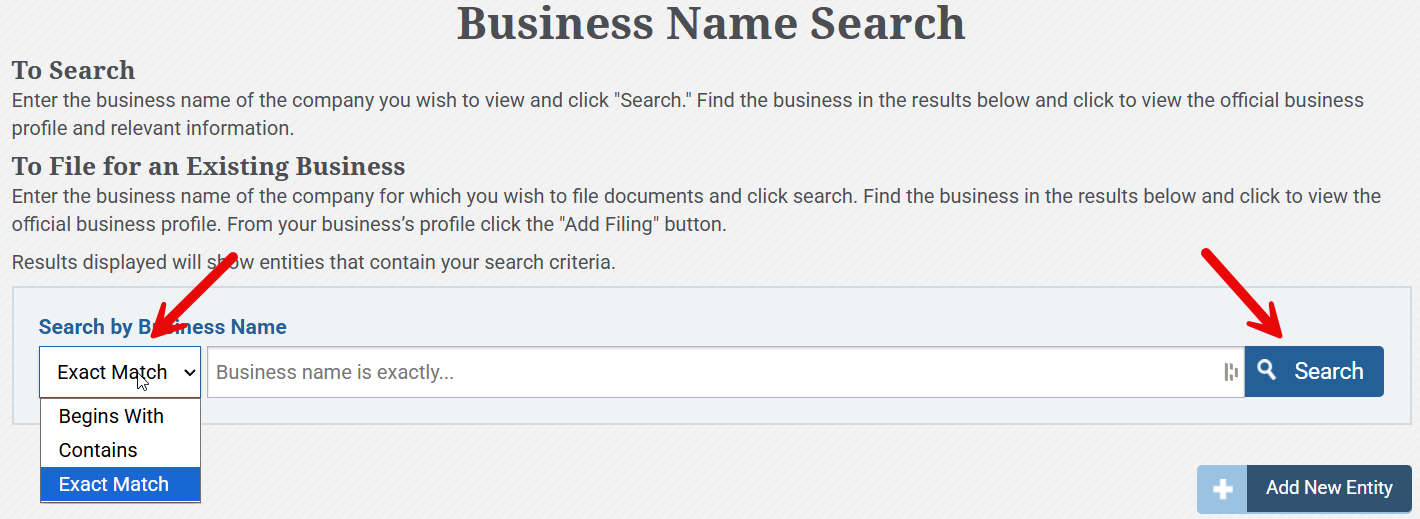
To determine whether an entity name is already in use, select a search filter (Begins With, Contains, or Exact Match), enter a business name, and click Search.
3. Determine Availability
- Name Available. If the name entered into the search is not being used by another entity, the platform will confirm that This name is available (see image). In this case, the name can be reserved and a new entity created by clicking Add New Entity.
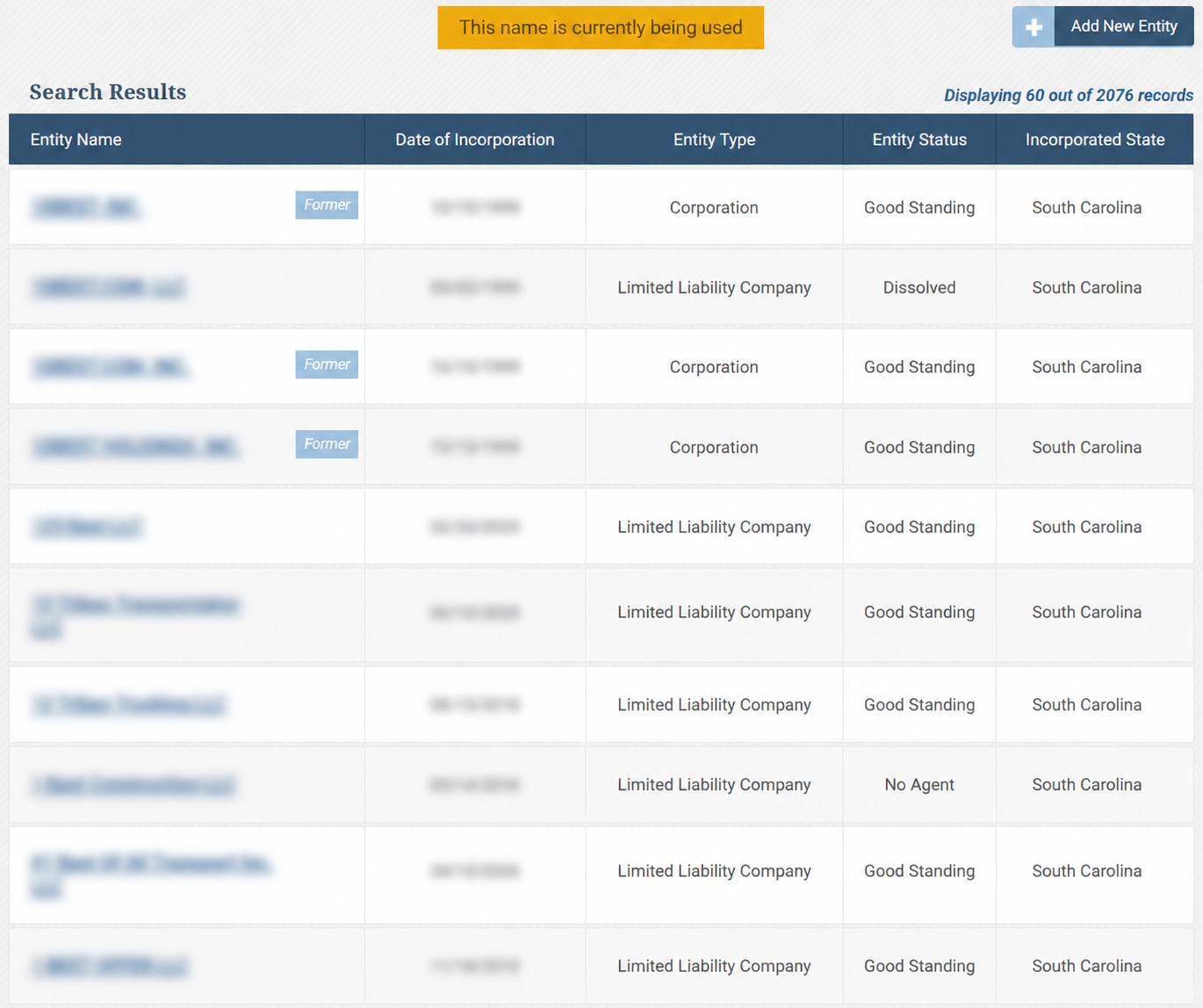
- Name Taken. If the business name that was searched already exists, the notification This name is currently being used will pop up. A list of entities will be displayed that meet the provided search criteria, including their incorporation date, type, and status.
4. View Business Details
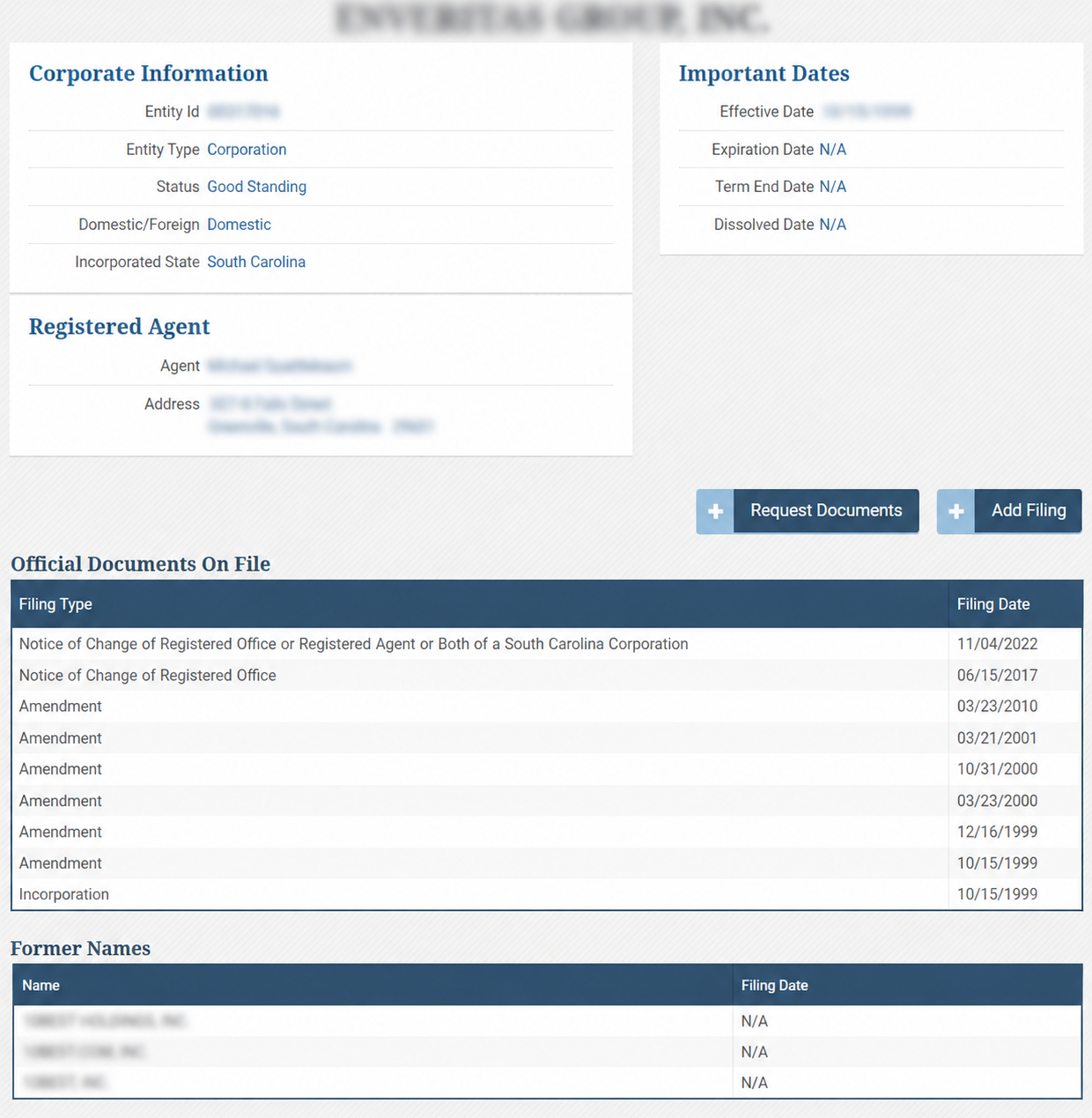
Additional information on a specific entity can be found by clicking the link under the Entity Name column. The following corporation information is included in the details page:
- Entity name
- ID number
- Type
- Status
- Jurisdiction origin
- Important dates
- Registered agent name and address
- Official documents
- Former names