Search Alabama business names by using the Secretary of State to look up entity information or check whether a company name is available. If a selected name appears in the corporate database (e.g., exists, canceled, or dissolved), it cannot be used when forming a new entity.
Business Entity Search
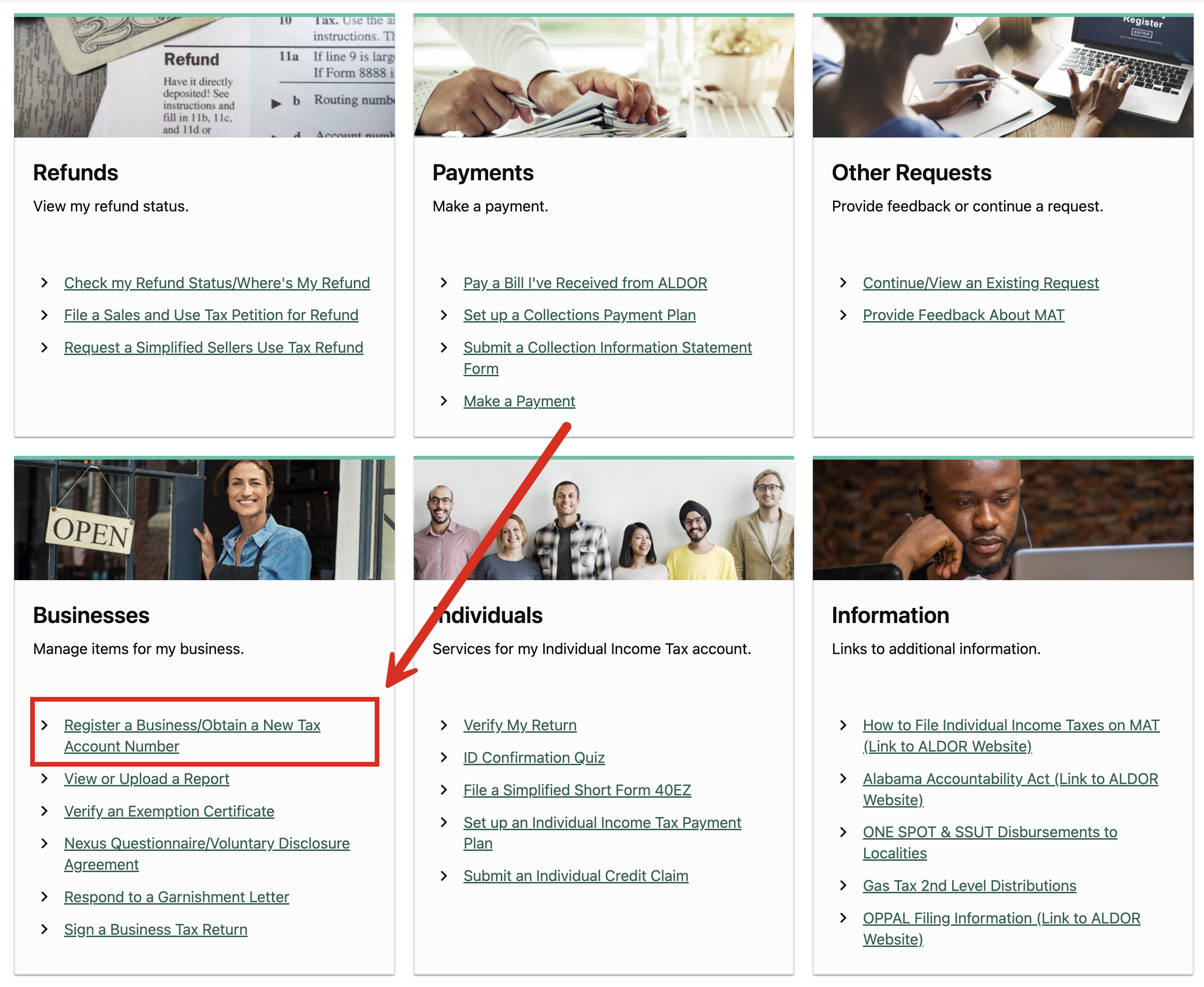
1. Go to the Alabama Secretary of State Business Database
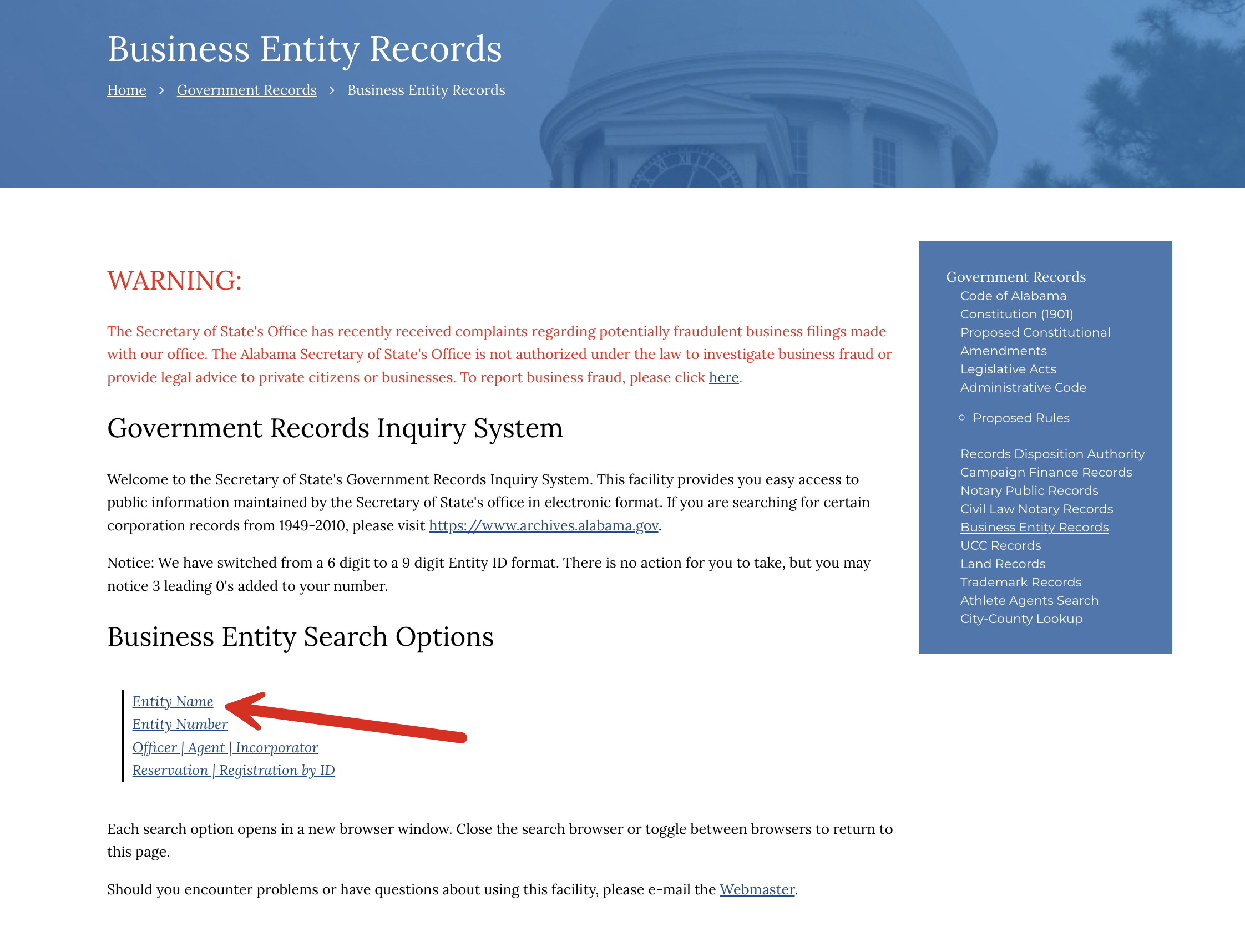
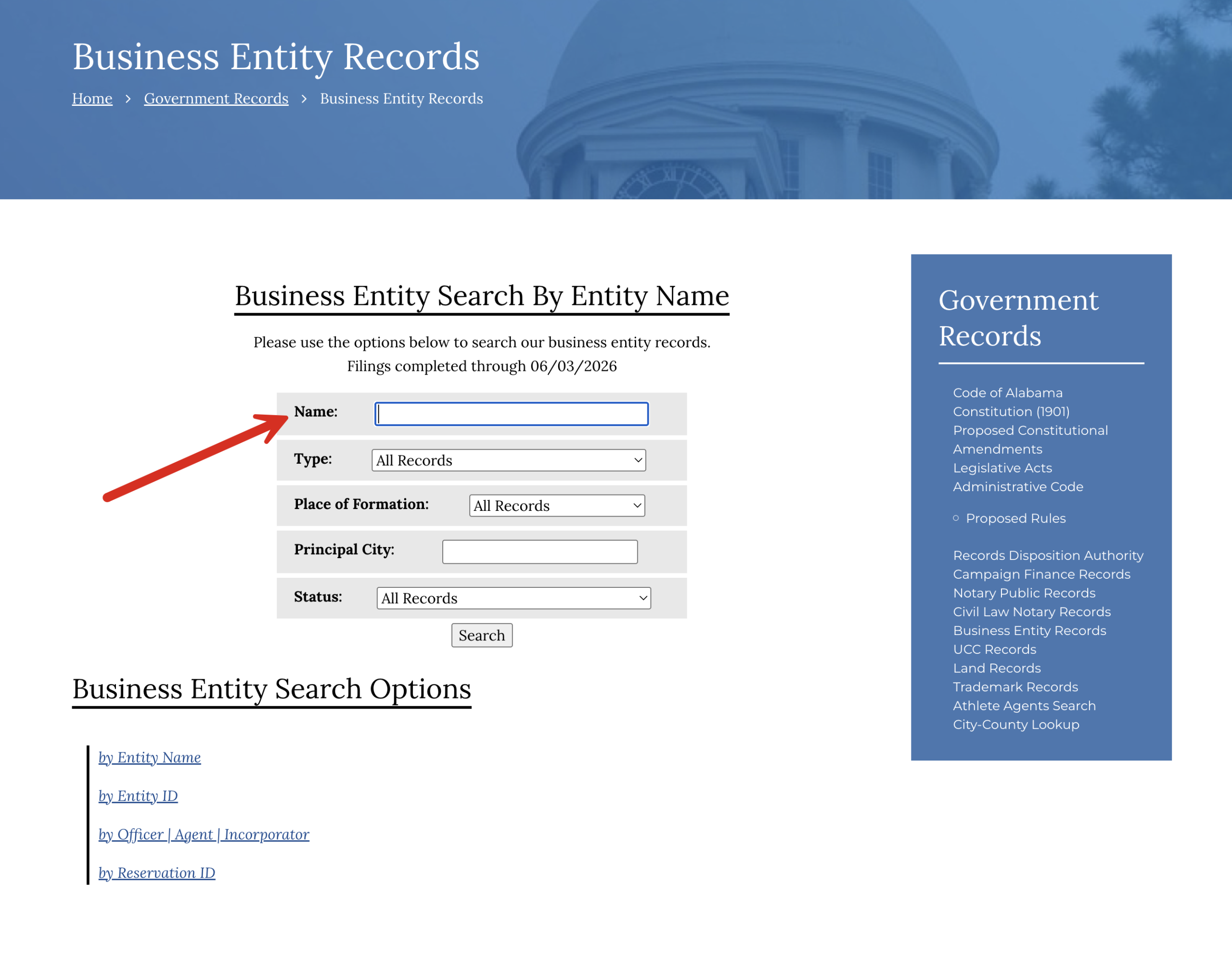
3. View List of Matching Records (2 options)
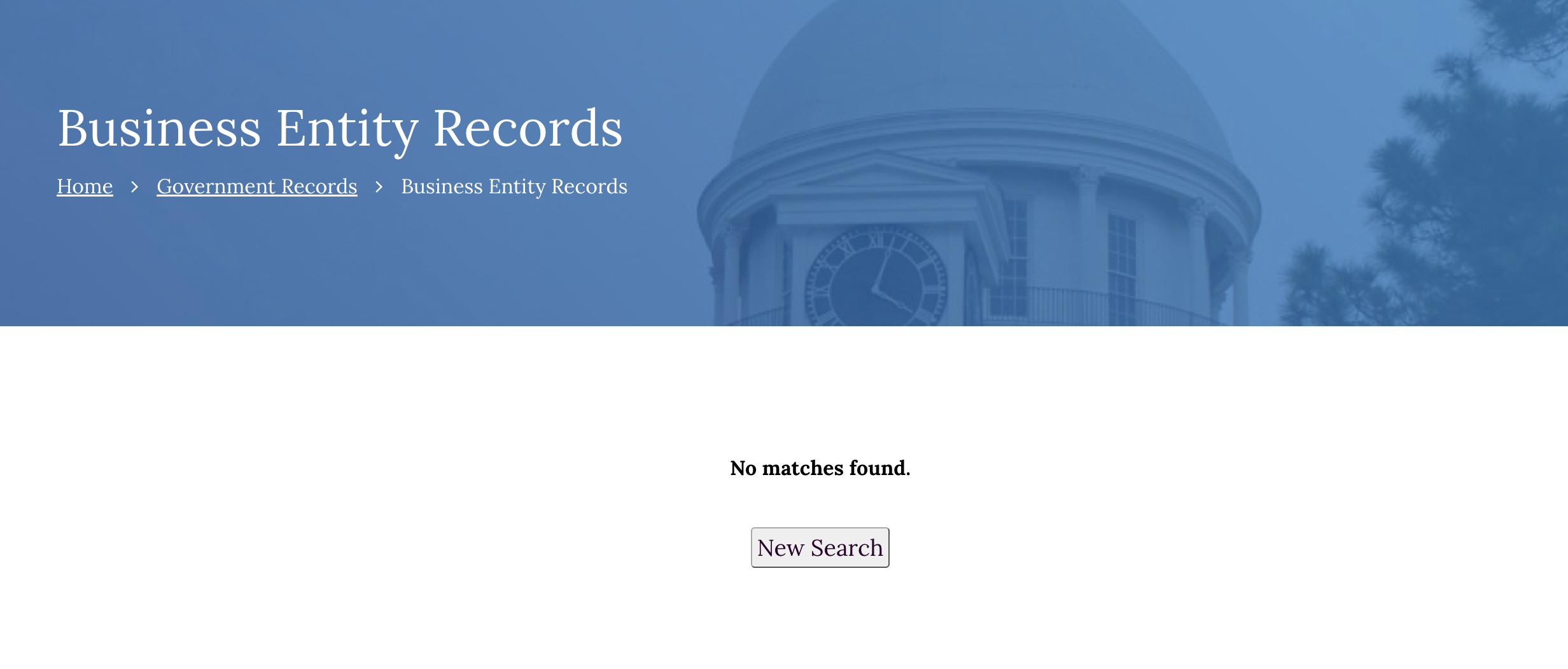
- No matches found. If, after entering a business name, you see a webpage that says “No matches found” (see image), it means there is no business name matching the query. The name entered is most likely available for use.
- Similar names found. If there are matches found, a list of entity names in alphabetical order appears. To view additional information about a specific entity, click the Entity ID in the left column.
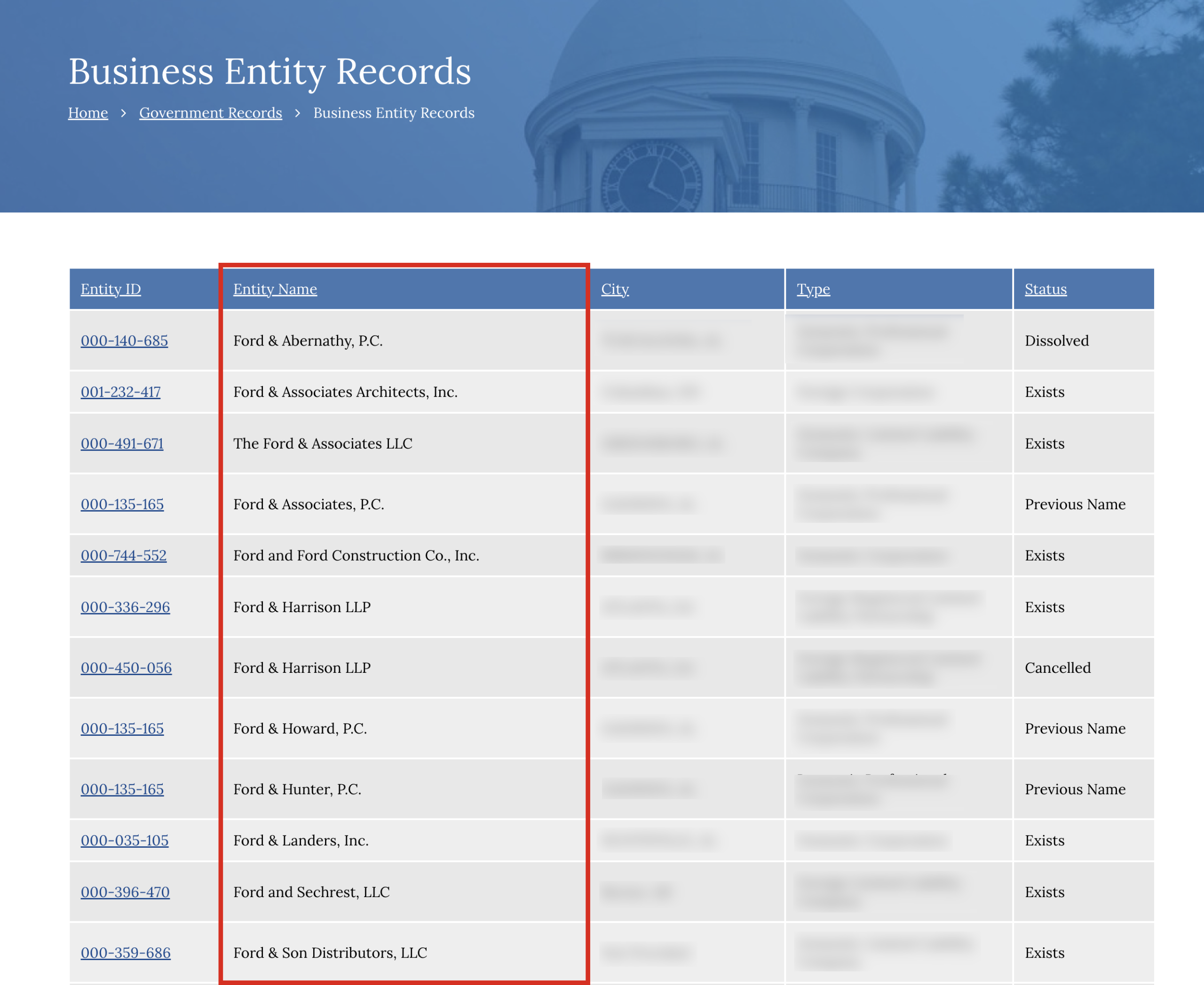
4. View Entity Information
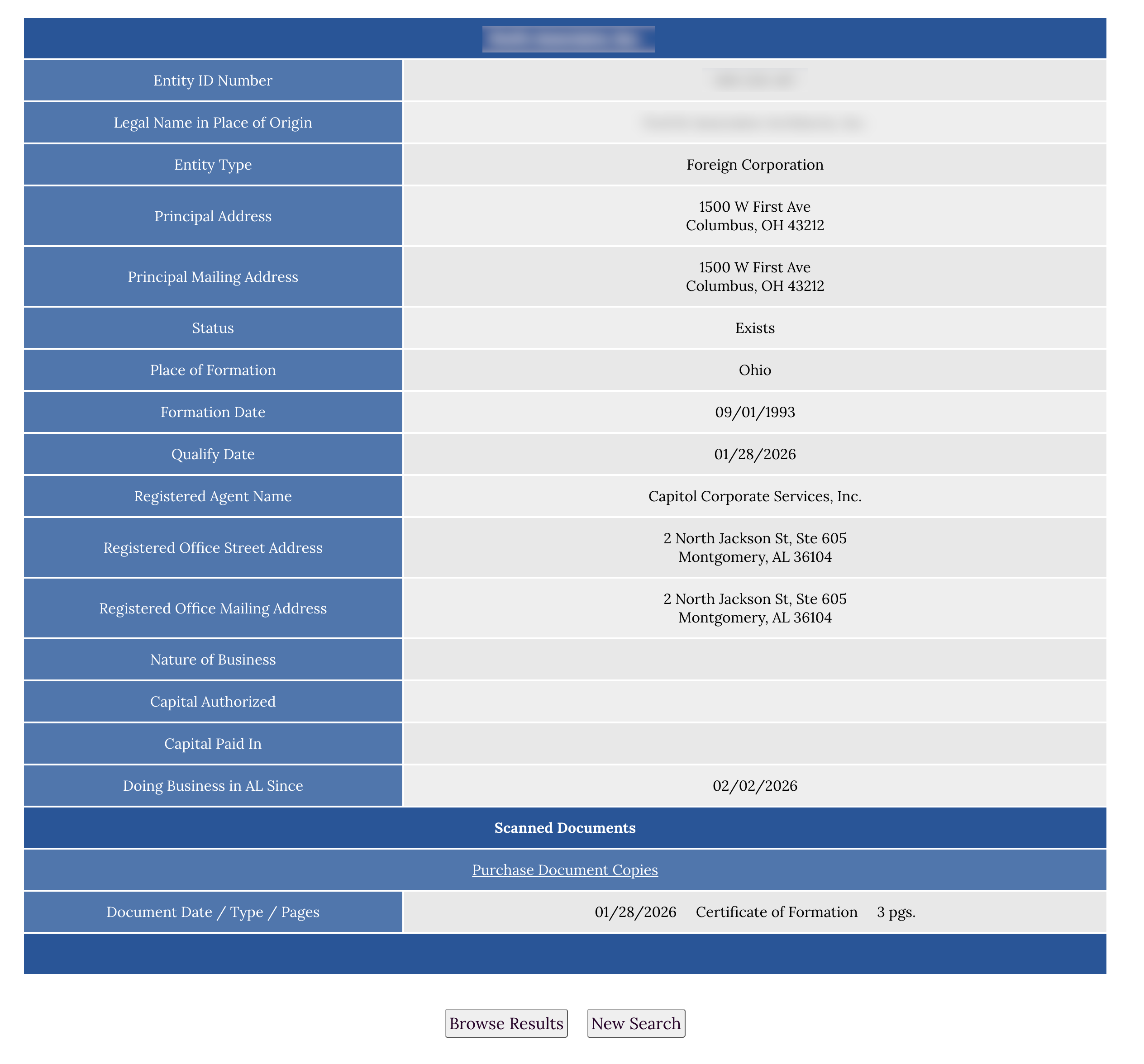
On the entity details page, information about the business can be viewed, including the following:
- Entity ID Number
- Legal Name in Place of Origin
- Entity Type
- Principal Address
- Principal Mailing Address
- Status
- Place of Formation
- Formation Date
- Qualify Date
- Registered Agent Name
- Registered Office Physical Address
- Registered Office Mailing Address
- Nature of Business
- Capital Authorized
- Capital Pain In
- Doing Business in Alabama since (year)
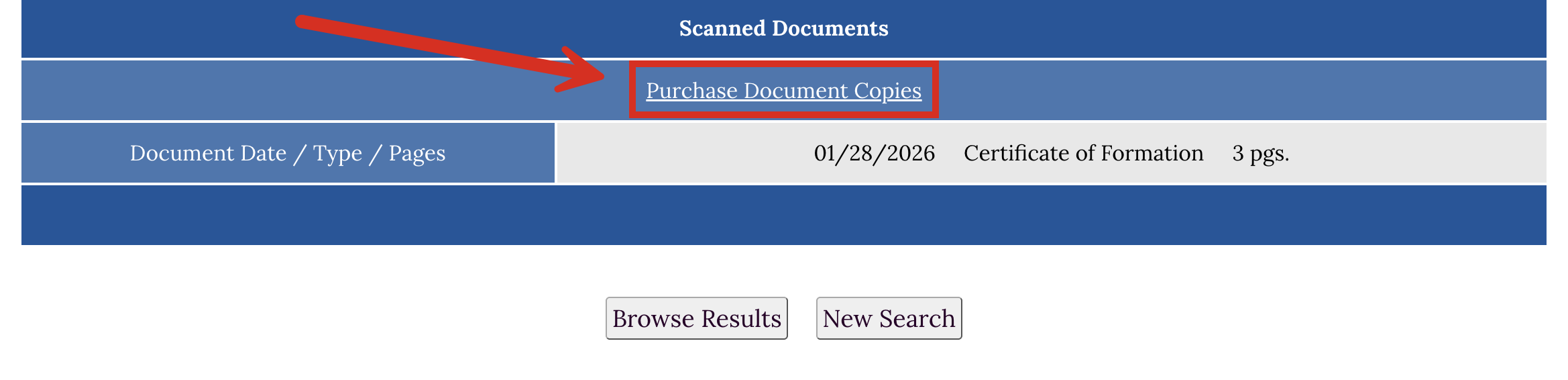
Purchasing Filed Documents (see image): Scanned documents can be purchased, depending on the form type. Certified copies are typically $16, and Non-certified copies are $6.